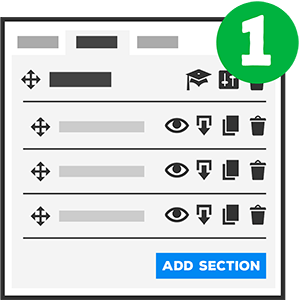
Build the bones of your Course in 4 Steps
0.00%
We named it “Blink of an Eye Course Builder” because you can literally build out the basic structure of your Course in just a few seconds and best of all you can create & manage the entire Course creation process from one single page.
No! You don’t need to go thru a gazillion Submenus and Subpages, interlink stuff on your WordPress or go thru lengthy tutorials and you don’t need to learn a completely new way of doing things.
You know how to Create a Post in WordPress?
Yes?
Then you’re already a eLearnCommerce Master.
WE made Building Courses and creating eLearning Portals with eLearnCommerce Free of Pain and Full of Fun.
That’s it!
One small trick that will save you lots of time: Use the Quick Save button after you saved your Course the first time.
Learn More: https://docs.elearncommerce.com/en/articles/2861328-blink-of-an-eye-course-builder-course-building-basics-101
Once you’ve built your Course you can now switch Designs with a Single Mouseclick
eLearnCommerce Lite features a 1 Click Course & Content Layout Activation which enables you to effortlessly change the way your Course looks.
Complete Course