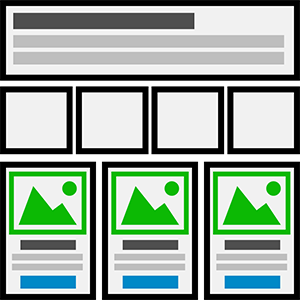
Learn how to Generate Unlimited Online Course Portals on the fly
0.00%
Creating an Online Course Portal with eLearnCommerce is very fast and very easy.
Follow these steps:
1.: Create a generic WordPress Page and name it lab, library, hub or any other name.
2.: Go to ECLite —> Settings —> Index Page —-> General to view and edit Index Page settings.
3.: Now paste the
Welcome to the eLearnCommerce Index Page. This Page displays all your Courses to your Learners in one central location. In the eyes of your Customers this Index Page can be of immense Value. Execution Plans are the holy grail in Information and Knowledge Marketing.
3D Course Grids
Hover
Category 1
Category 2
Category 3
Category 4
Facebook Mastermind
START
Shortcode to any page or choose the index page from the dropdown settings or use the shortcode builder in any wysiwyg WordPress text editor.
Let me show you how it works:
Note: You can also change the order of your Categories and Courses in the Grid options.
Complete Course